logo
logo

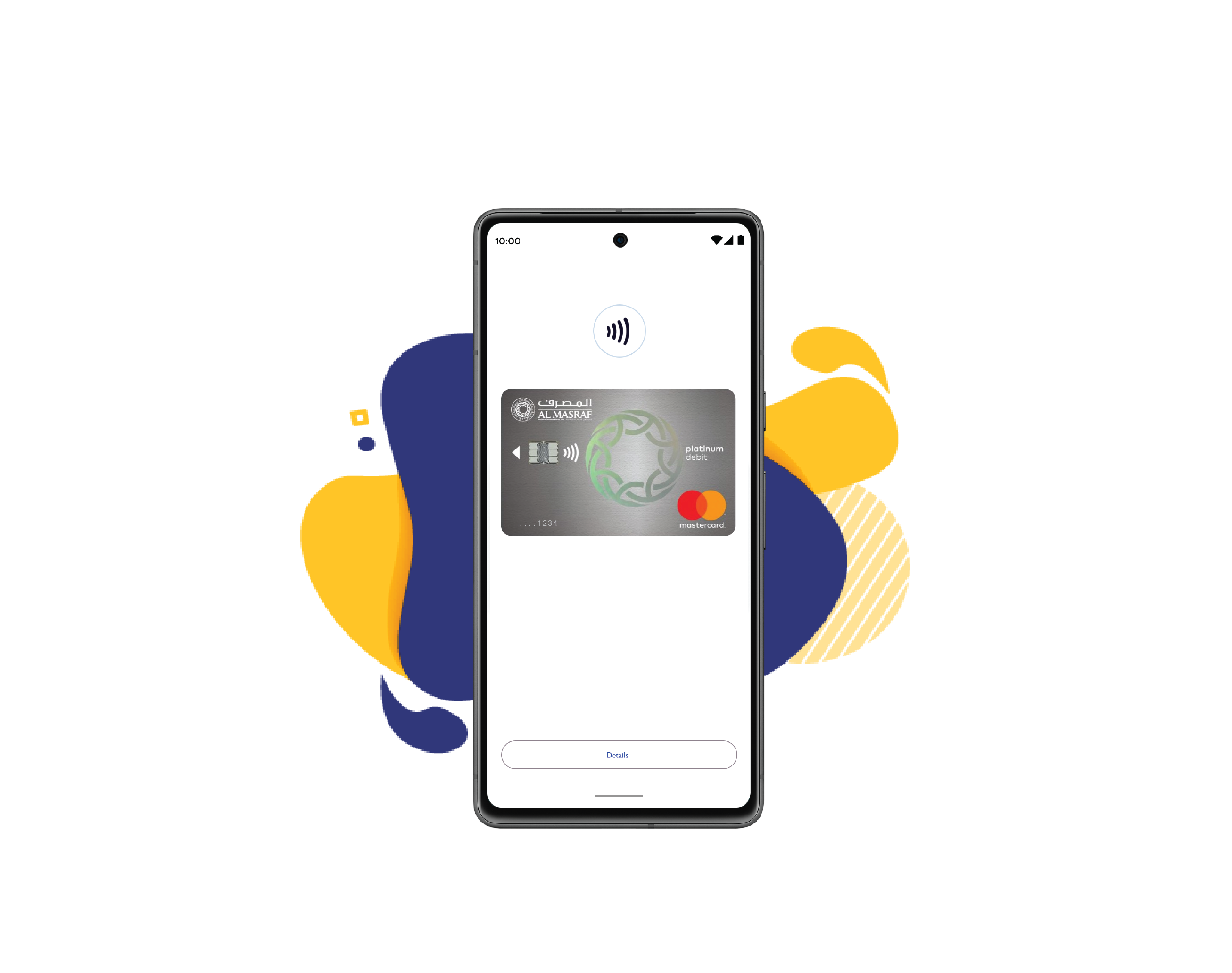
Tap to pay with Google Pay

Make contactless payments with your Al Masraf Debit & Credit Cards added on Android devices

Tap to pay with Google Pay

Add your Al Masraf Card to Google Pay to make easy, contactless payments anywhere.

Google Pay

Follow these steps to get started:

1

Launch the Google Pay App or download it on Google Play

2

Tap 'Add to Wallet'

3

Verify your card if needed. You are all set.

Use your card with Google Pay – Here's how

Unlock Your Phone

When you are ready to make a purchase at a store or online, unlock your phone using your PIN, fingerprint, or facial recognition

Hold Near the Reader

Hold your unlocked phone near the contactless payment terminal or point of sale (POS) reader at the store

Look for the Check Mark

After holding your phone near the reader, look for the check mark or notification on your phone screen, indicating that the payment was successful.

Enable secure contactless payments now

Google Pay

Banking Made Simple, Anywhere You Need It

Bank anytime, anywhere with our Online Mobile Banking platform, providing secure 24/7 access to your account. Manage and keep track of your finances with ease: pay bills, make secure transfers,manage your cards, all in one place.

Al Masraf Mobile App

You are currently browsing:

Google Pay

Banking

Digital Banking

Support

About

Regulatory & Compliance

Locations & Access

Resources

Download App

almasraf-logo

Copyright © 2026 All rights reserved. Arab Bank for Investment & Foreign Trade (Public Joint Stock Company), licensed & regulated by the Central Bank of the UAE.
Last updated at 22/07/2026 01:30:10 PM